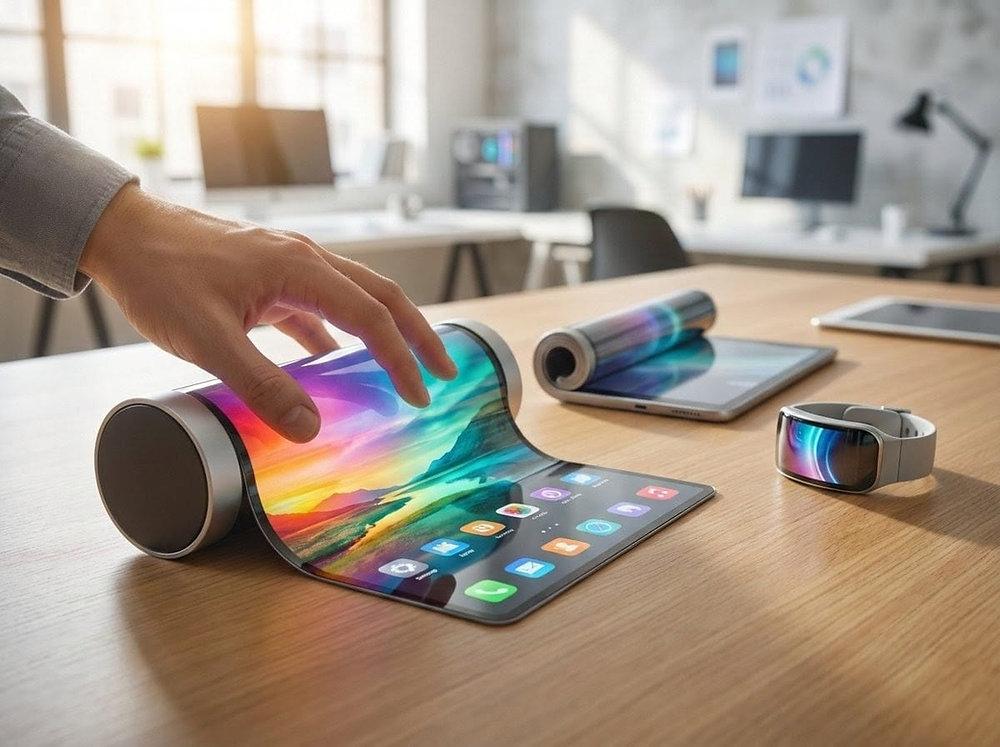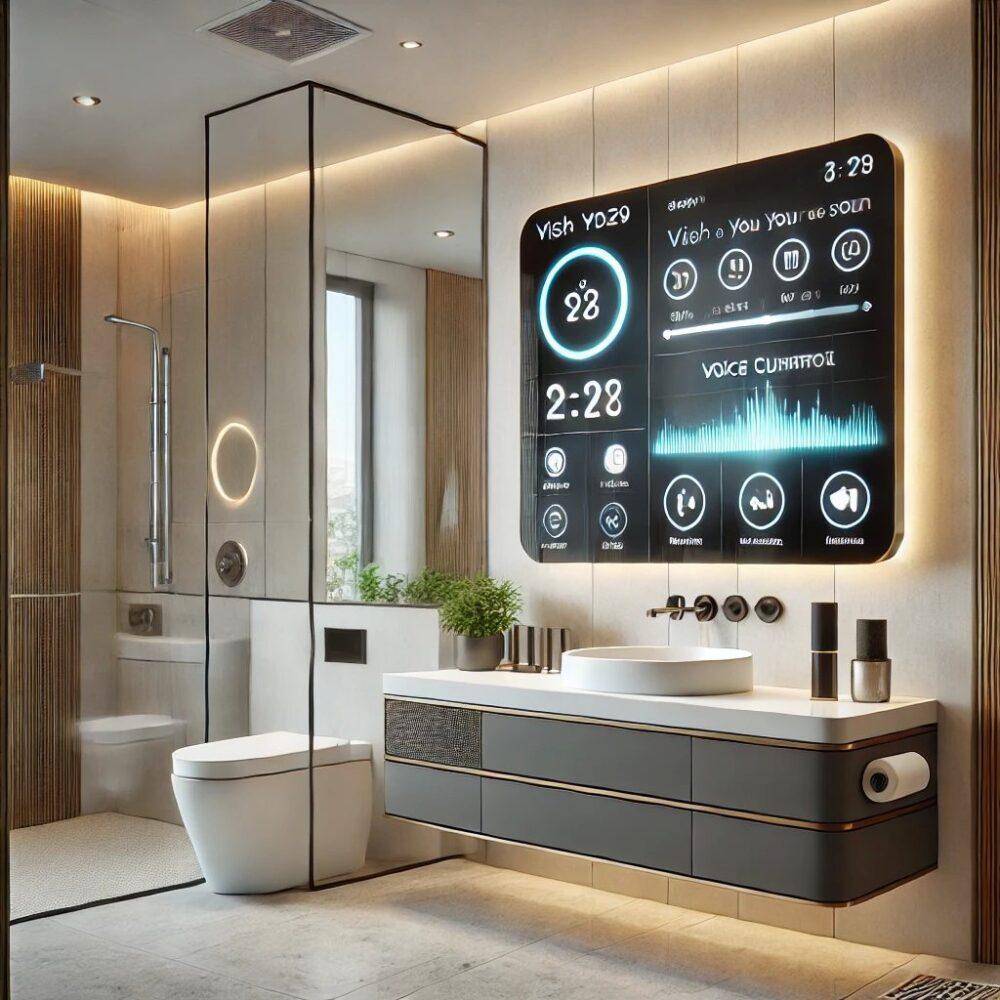

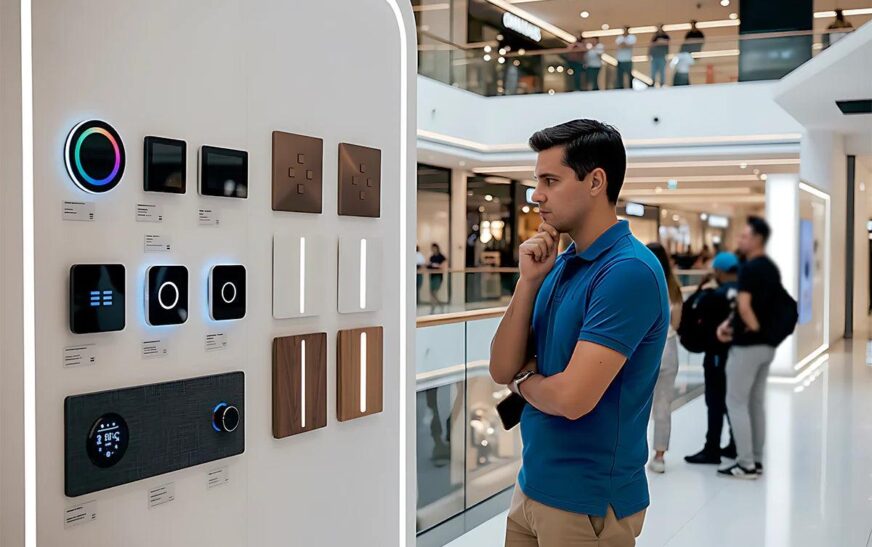
My neighbor knocked on my door last month holding up her phone. She had this genuinely baffled look on her face. Her new AI powered home display had ordered three pounds of coffee. It also rescheduled her dentist appointment. Then it drafted a birthday message to her sister. All of that happened while she was in the shower.
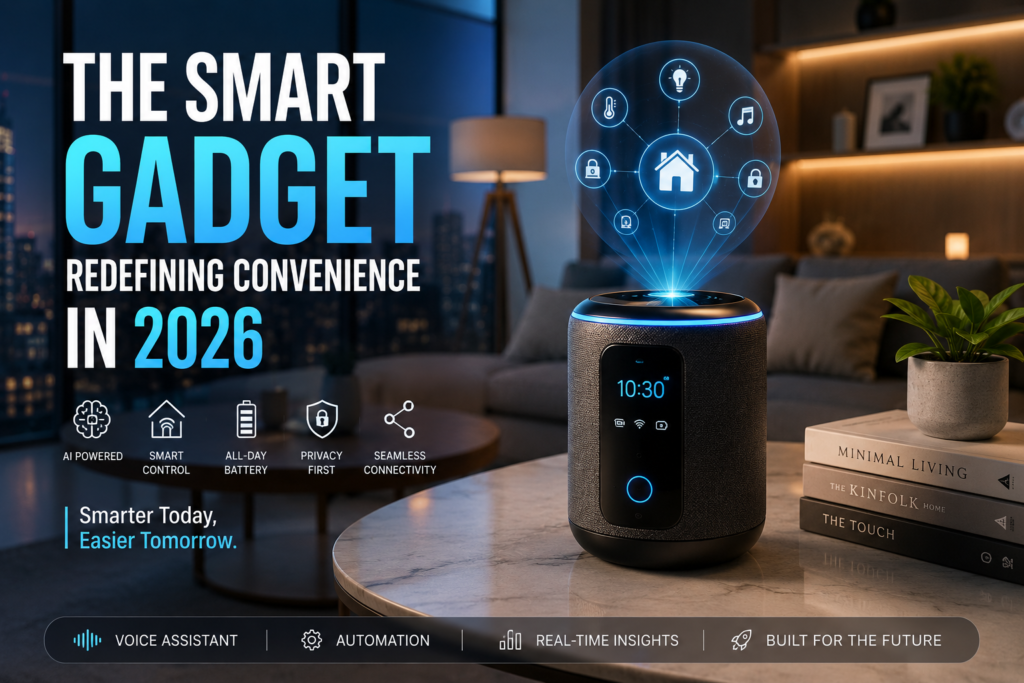
She wasn’t upset exactly. More just stunned. A device had handled things she’d been putting off for days. Without her even asking it to.
That moment sums up where smart gadgets have landed in 2026. The conversation has shifted from “look what this thing can do” to “wait, it already did it.” The gap between a device that follows commands and one that anticipates needs has gotten surprisingly narrow this year.
If you’re figuring out which gadgets are genuinely worth money right now, this breakdown comes from actual use. It also includes a few expensive regrets and honest observations from people living with this technology daily.
How Smart Gadgets Have Actually Changed in the Past Year
A couple of years ago, smart home devices mostly meant voice assistants that set timers. They played music on command too. Useful, but not exactly life changing.
The shift that’s happened more recently is contextual awareness. Devices no longer just respond to commands. Many now pick up on patterns and routines. They anticipate what comes next rather than waiting to be asked.
This sounds impressive in a product demo. Living with it daily reveals both how genuinely useful it can be and where it still falls short. Sometimes the shortfalls are mildly annoying. Other times they’re genuinely embarrassing.
The AI Home Hub: Where Everything Now Connects
The biggest category shift this year involves AI powered home hubs. They act less like smart speakers and more like personal assistants with actual memory.
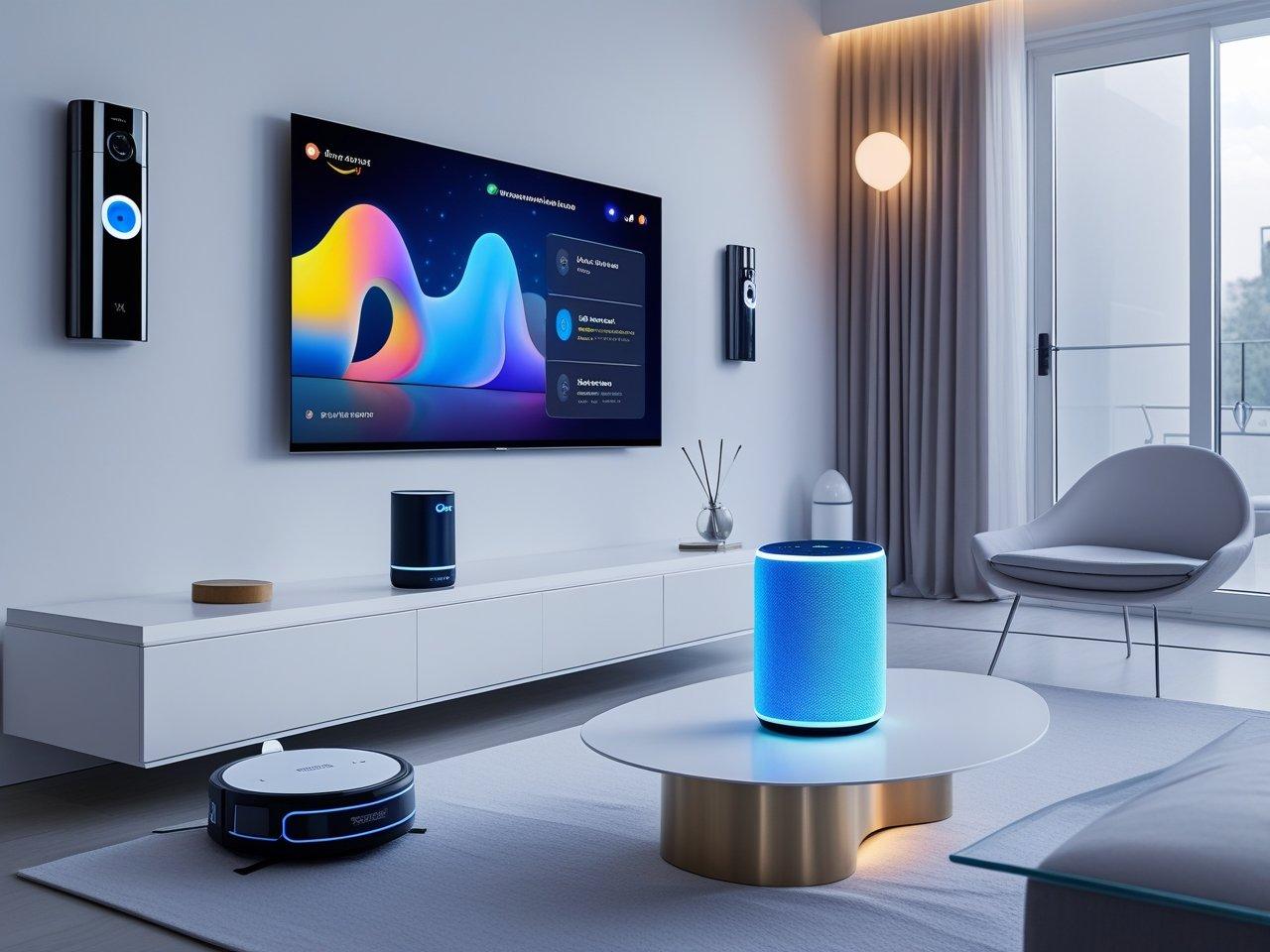
Google’s Nest Hub Max and Amazon’s Echo Show 15 both received significant AI layer updates. These updates changed how the devices handle daily tasks. Rather than waiting for a command, they now surface relevant information proactively. Your morning briefing includes weather, traffic on your commute route, and any unresolved calendar conflicts. Some setups even flag low pantry items through smart kitchen scales.
Samsung’s Family Hub refrigerator camera system deserves a specific mention here. The internal cameras paired with AI recognition now track food freshness reasonably well. Though I’ll admit my personal experience involved it deciding a perfectly fine block of cheese had gone bad. It added the cheese to a grocery list without being asked. Mildly irritating. But the accuracy rate on actually expiring items is genuinely impressive.
Setting Up a Connected Hub the Right Way
Step one is choosing a single ecosystem before buying anything. This is where most people go wrong immediately. Mixing Amazon Alexa devices with Apple HomeKit accessories creates compatibility headaches. Adding a Samsung hub on top makes troubleshooting even messier.
Pick one primary ecosystem based on the phone you already use. iPhone users tend to have a smoother experience with Apple HomeKit and HomePod Mini. Android users typically find Google Home or Amazon Alexa easier to maintain.
Step two involves connecting just two or three devices initially. Avoid trying to automate every corner of your home in a single weekend. Start with lighting, a smart thermostat, and a doorbell camera. Get those running reliably before adding anything else.
Step three is creating automations through the hub’s companion app. Google Home, Amazon Alexa, and Apple Home all offer automation builders. None of them require technical knowledge. Simple triggers like “when I leave home, turn off all lights and lower the thermostat” take about three minutes to set up. Over time, they save real money on energy bills.
Smart Glasses: Finally Getting Closer to Actually Useful
Smart glasses have had a famously rough history. Google Glass became a cultural punchline. Various attempts since never quite landed right.

The Ray-Ban Meta glasses updated in late 2025 changed that conversation meaningfully. They look like regular sunglasses. They handle calls and music playback well. The integrated AI assistant answers questions and helps with navigation. All without requiring you to look at a phone screen.
Wearing them around a city for a week genuinely shifted how often I reached for my phone. Directions came through the audio. Incoming messages were read aloud. Quick questions got answered without breaking stride.
The camera quality still feels like a limitation compared to a phone. Battery life sits around four hours of active use, which means carrying a charging case. These aren’t dealbreakers depending on your use case. But worth knowing before assuming they fully replace anything in your current setup.
Meta’s Orion prototype demonstrated actual AR overlays through a glasses form factor back in late 2024. Widespread availability at reasonable pricing hasn’t arrived yet as of mid 2026. Worth watching closely over the next twelve months.
Smart Rings: The Wearable Most People Haven’t Tried Yet
Fitness trackers and smartwatches have been mainstream for years. Smart rings represent a quieter but genuinely compelling evolution of the same category.
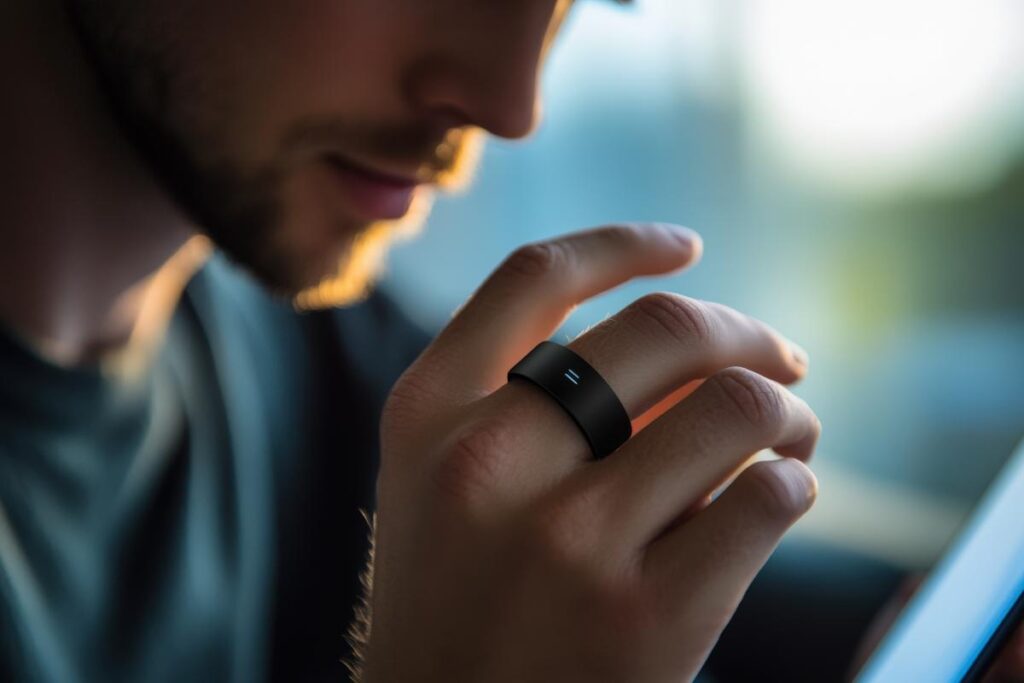
The Oura Ring Generation 4 and Samsung Galaxy Ring both track sleep stages and heart rate variability. They also monitor body temperature trends and activity levels. Accuracy competes seriously with wrist based trackers for health monitoring purposes.
What makes rings specifically interesting is the form factor. Wearing a ring feels completely different from wearing a watch. That difference matters most during sleep, which is exactly when health data is most valuable. Most people sleep with a ring on without thinking about it. Even lightweight smartwatches create enough awareness that some people remove them overnight.
What the Data Actually Shows You
Resting heart rate trends over weeks reveal stress patterns and recovery quality. Several Oura users report noticing elevated heart rate and reduced HRV scores a day or two before getting sick. Not useful for prevention exactly. But it makes the timing of illness feel less random.
Sleep stage data helped me identify something I hadn’t noticed before. My sleep quality was consistently worse on evenings with any alcohol. Even a single drink made a measurable difference. Without the objective numbers, I probably would have rationalized that pattern away.
The downside of smart rings is limited interaction. You read data through a companion app rather than controlling anything directly. For people who want notifications on their wrist, a smartwatch still makes more sense. For people who want health data without constant notifications, rings are genuinely excellent.
AI Powered Earbuds: Smarter Than They Look
Standard wireless earbuds became ubiquitous fast. The current generation has moved well beyond audio playback.
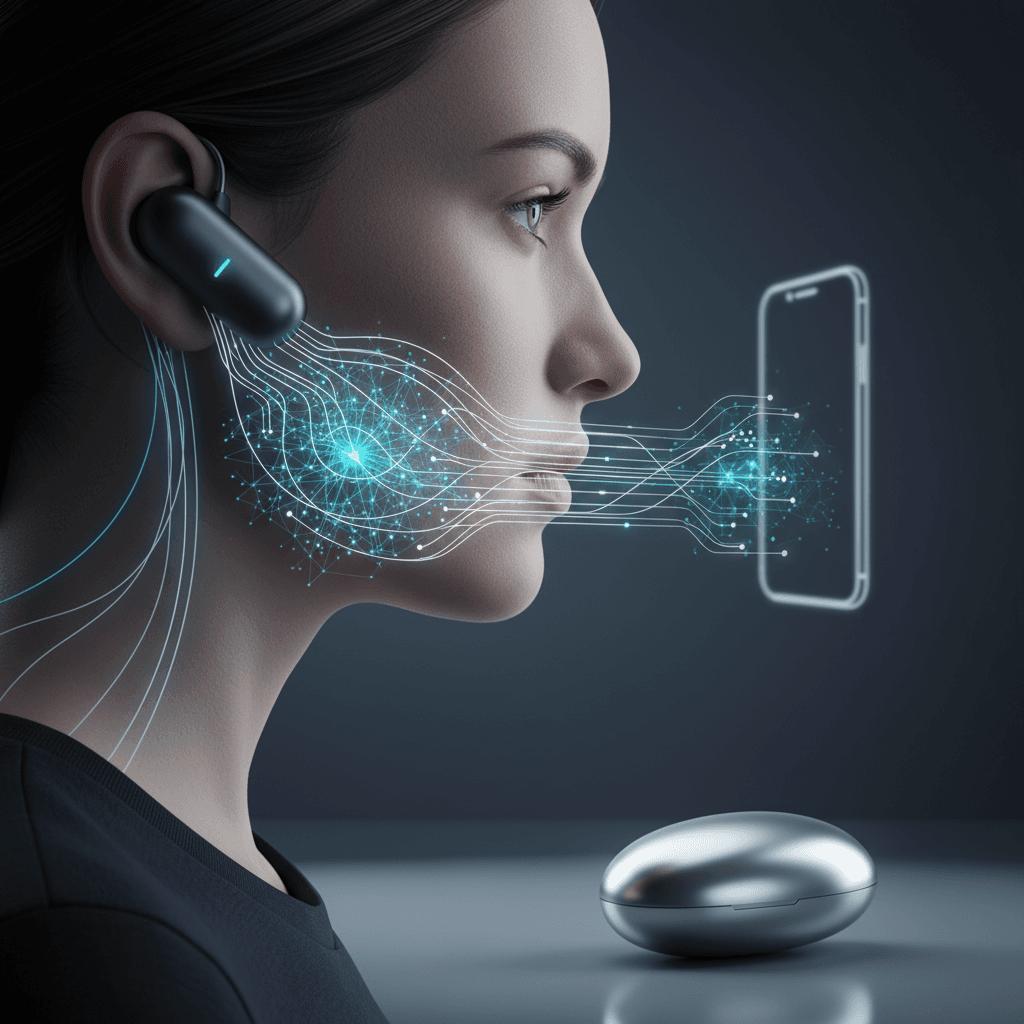
Apple AirPods Pro 3 introduced a feature that adapts audio processing based on what you’re doing. Walking through a busy street brings in more environmental awareness automatically. Sitting at a desk shifts toward noise cancellation. The transition happens without touching anything. That sounds minor until you experience it daily.
Sony’s WF-1000XM6 earbuds added a conversation boost mode. It amplifies human voices specifically. Legitimately useful in loud environments for anyone who struggles with speech clarity in noise. Not a flashy feature. But extremely practical in daily use.
Bose’s QuietComfort Ultra Earbuds improved spatial audio significantly. This matters less for casual listening. On video calls and while watching content, the directionality adds real realism that older earbuds couldn’t match.
Choosing the Right Pair Without Overspending
Resist buying based on specification sheets alone. Noise cancellation effectiveness, call quality, and fit vary enough between individuals that specs tell you very little. Thirty minutes of hands on testing tells you far more.
Retailers like Best Buy and Apple Stores allow trials. Use that option before spending over two hundred dollars. The difference between earbuds that seal well in your ears and ones that don’t is enormous. No amount of marketing fixes a poor fit.
Smart Home Security: The Meaningful Upgrades This Year
Security cameras haven’t changed dramatically in hardware terms. AI processing on footage has improved considerably though. Earlier smart cameras triggered constant false alerts. Current generation models have reduced that problem significantly.
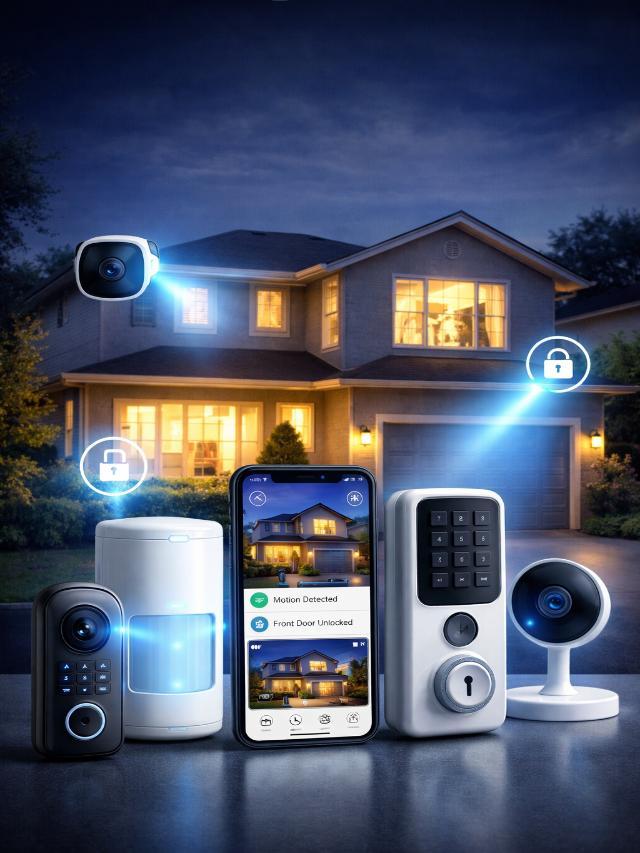
Arlo’s Pro 5S and Eufy’s S330 both now differentiate between humans, animals, vehicles, and packages. The accuracy is high enough that notification fatigue has become much less common. Earlier systems triggered alerts for every shadow or passing car. Current systems filter meaningfully.
Ring’s expanded neighborhood watch integration now includes opt in data sharing with local emergency services in some regions. This raises legitimate privacy questions worth considering before enabling. The tradeoff deserves personal reflection rather than a blanket recommendation either way.
Video doorbells with package detection have gotten accurate enough to be genuinely useful. Mine now notifies me specifically when a delivery arrives. Daily notifications dropped from around twelve to one or two meaningful ones.
Common Mistakes When Buying Smart Gadgets in 2026
This is probably the section worth reading most carefully before spending anything.

Buying gadgets before identifying the actual problem they solve. Smart gadgets work best when addressing a specific friction point in your daily routine. Buying something because it looks impressive and then searching for a use rarely works out well.
Ignoring ecosystem compatibility entirely. Mixing ecosystems creates problems that take significant time to untangle. Always check compatibility with existing devices before purchasing anything new.
Underestimating setup time. Most smart devices require more initial configuration than packaging suggests. Rushing through setup poorly almost always leads to hours of troubleshooting later.
Skipping firmware updates after initial setup. Many security vulnerabilities in smart home devices stem from outdated firmware. Enabling automatic updates removes this from your mental checklist entirely.
Trusting AI features completely without verification. AI powered features remain impressive but imperfect. Blindly trusting automated purchasing or scheduling without periodic review invites occasional errors. Some are inconvenient. Others can be genuinely problematic.
Over automating too quickly. Full home automation sounds appealing until lights switch off while you’re still in the room. Or the thermostat adjusts at unexpected times. Build automations gradually and test each one before adding more. This prevents the frustration of not knowing which automation is causing a problem.
Gadgets That Sound Great but Disappointed in Practice
Honest reviews require mentioning the ones that didn’t deliver.
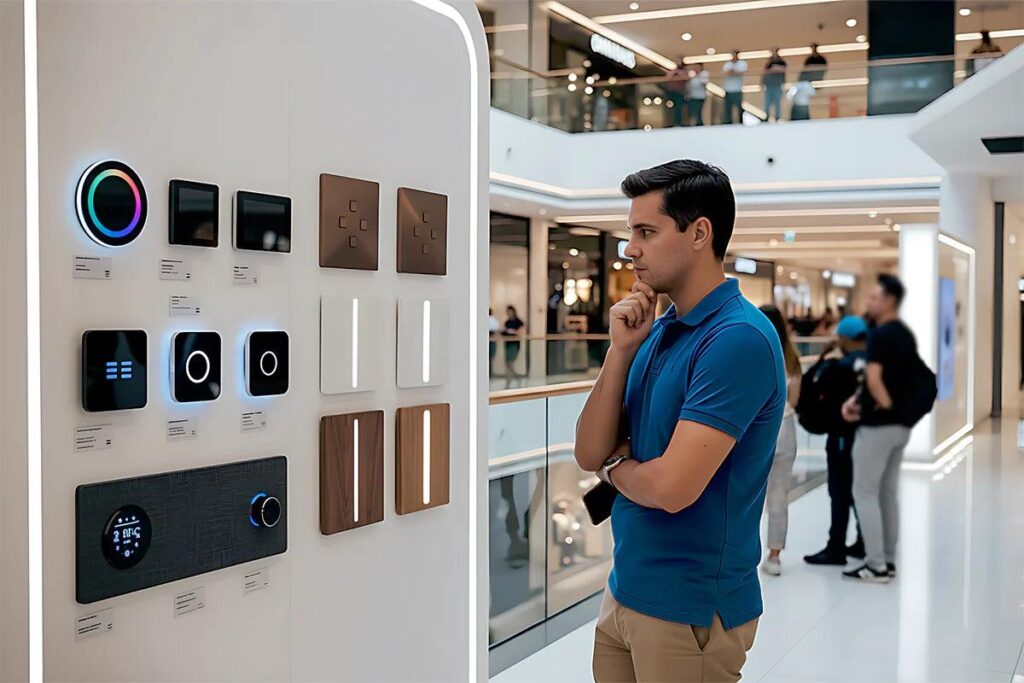
Smart plugs with energy monitoring seemed like a great idea initially. Checking individual appliance energy use became a habit that lasted about two weeks. Then it became completely irrelevant. Useful for identifying power hungry devices at first, but not something most people use long term.
AI powered sleep sound devices promised dramatic sleep improvement. Most delivered something closer to a slightly overpriced white noise machine. Consistent sleep timing, cool room temperature, and reduced evening light matter more than any ambient audio technology.
Smart kitchen gadgets like AI recipe display screens looked impressive in demos. Most home cooks found them more distracting than helpful. A simple tablet with a free recipe app on AllRecipes or NYT Cooking accomplishes the same thing at a fraction of the cost.
Making the Most of What You Already Own
Before buying anything new, spend a weekend exploring what your current devices already do.
Most people use somewhere between 20 and 40 percent of the features on devices they already own. Smartphones, smart TVs, existing smart speakers, and laptops all contain capabilities most owners haven’t discovered yet.
Apple Shortcuts on iPhone allows automation sequences that rival dedicated smart home devices. Google Assistant routines on Android handle morning briefings and smart home controls. People often buy separate hub devices for features already sitting in their pocket. A few hours with YouTube tutorials on existing devices frequently delivers more value than purchasing new ones.
Final Thoughts
What separates genuinely useful smart gadgets from expensive novelties comes down to one practical question. Does this device reduce daily friction, or does it add a new layer of complexity?
The best smart technology this year quietly handles things you were doing manually. It does so without requiring constant management. The mediocre technology demands more attention than the task it supposedly replaces.
Start with sleep tracking or a connected thermostat if you’re new to smart devices. Both deliver clear benefits without complicated setup.
Build from there based on what genuinely bothers you about your daily routine. That approach won’t produce exciting impulse purchases. But it will produce a home that actually feels more convenient rather than one that simply looks more technical.